The Xbox controller is relatively simple (see
images below). In most games, it is held with your left thumb on the Left Analog Stick (which clicks down when it’s
pushed) and with your right thumb on the Right Analog Stick (which also clicks
down when pushed). Although this differs tremendously between players, most of the time I play with my left index
finger on the Left Trigger, and my right middle finger on the Right Trigger, with my right index finger over the A, B, X and Y buttons.


For those who don’t own an Xbox, or any other game system, the controller plugs into the Xbox console (see
below).

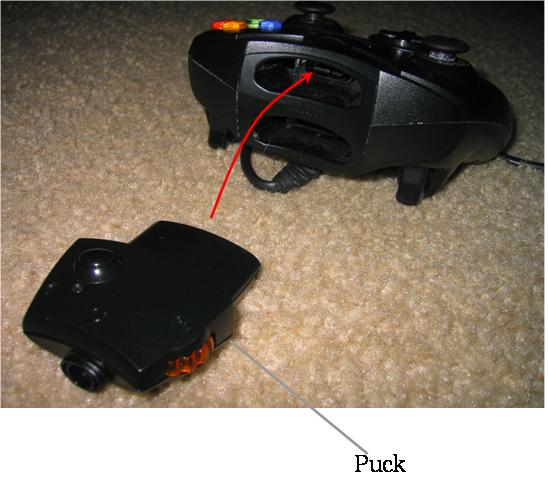
When you buy an Xbox Live (I’ll get to what that is later) starter kit, it comes with a headset (not shown) and a Puck (see
below).

The Puck can be connected to any cellphone headset, and has an extremely sensitive volume dial.

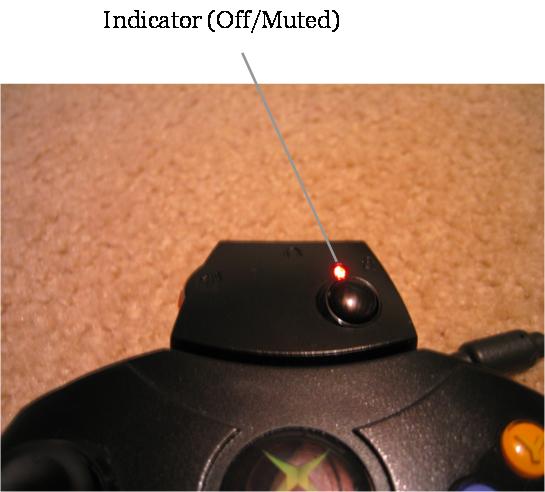
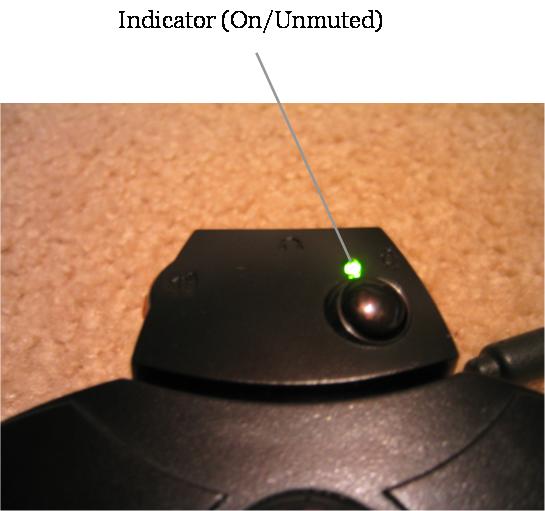
The Puck also has a mute button (shown below).
This does not stop sounds from coming
through the headset connected to the Puck, but instead mutes the microphone on the headset.
This way you can talk to someone who isn’t in the game, or do something noisy, without disturbing the others in the game.
To clear up any misunderstandings, when the light is red, the microphone is muted, and when it is green, the microphone is not
muted.
As for Xbox Live, it is an online service that costs $50 per year.
With it, you can play with other members of Xbox Live and talk to them in real-time (like a phone) and compete with people from across the globe.
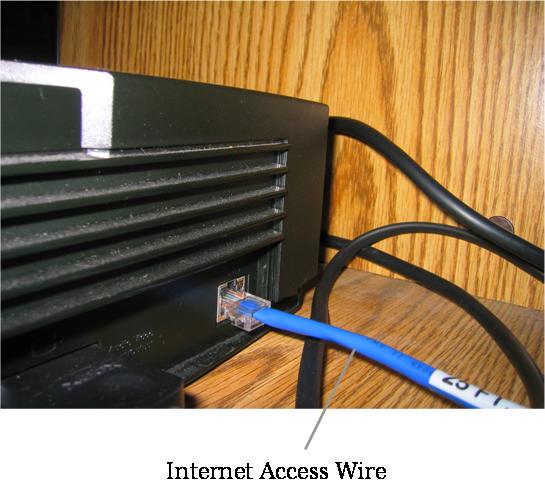
The Xbox itself has a port built in for
Internet access (see below).

The most popular game to date (the one most played based on users online) on Xbox Live is Halo 2, a game created by Bungie Studios, which is a part of Microsoft Game Studios, a division of the Microsoft
Corporation.





No comments:
Post a Comment